A team usually does not struggle because the information does not exist.
The problem is finding it again.
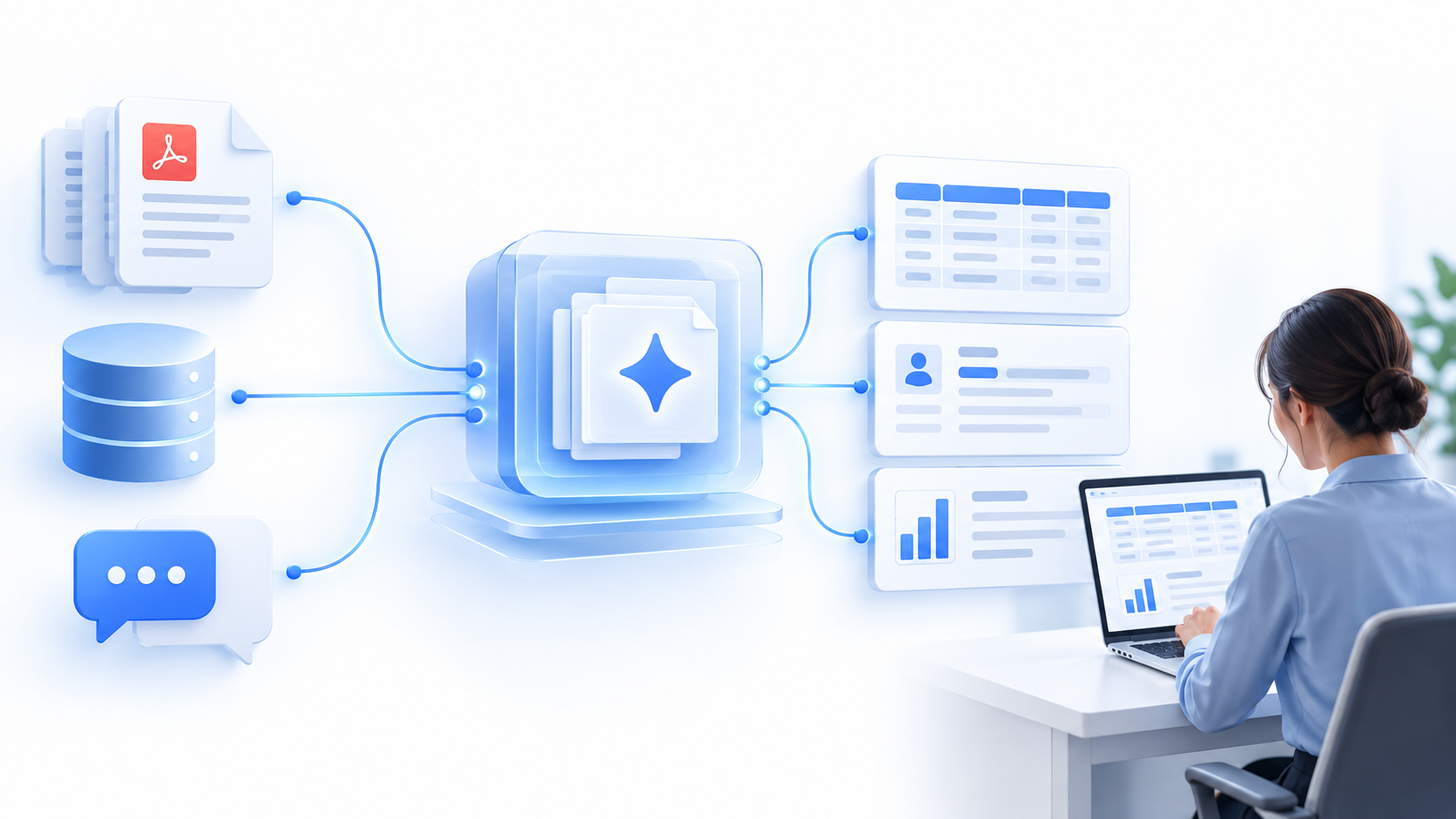
A detail sits inside a PDF. Another record is in a database. The context behind it was discussed in chat.
Then someone has to bring all of that together.
Open the file. Search the database. Scroll through the conversation. Check whether there is a newer version. Copy what looks relevant. Compare it with another source.
None of those tasks sounds difficult.
That is exactly why they survive for so long inside business operations.
Do them occasionally and nobody notices. Do them every day, across different teams and systems, and people end up spending a surprising amount of time reconstructing information the organization already has.
That is the kind of work we think AI should remove.
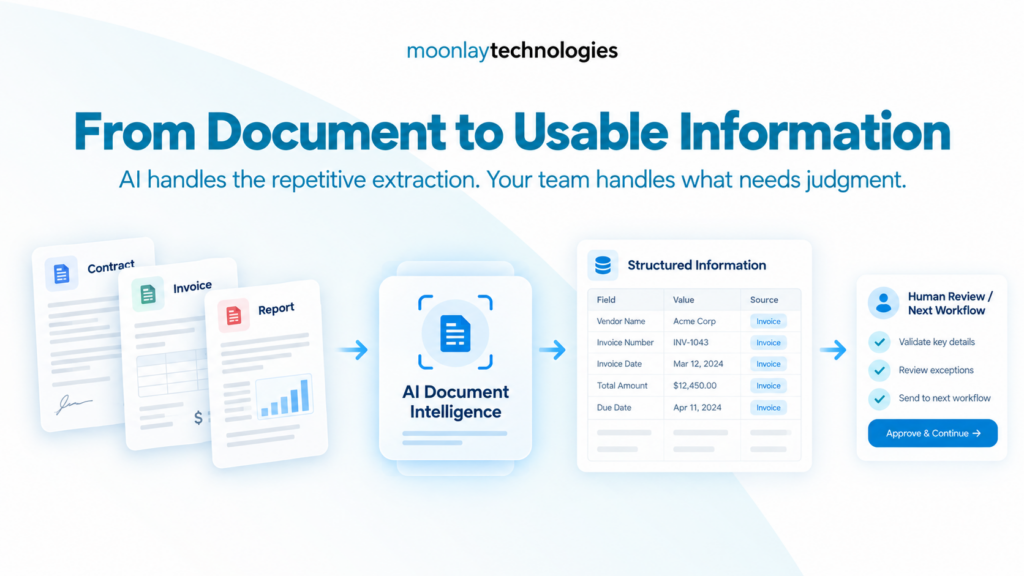
Moonlay’s Document Intelligence capability is designed to read and extract information from contracts, invoices, and reports, reducing manual document processing.
The Problem Is Not “Can AI Read a PDF?”
It can.
That is no longer the interesting question.
The more useful question is:
Can people get to the information they need without manually jumping between every place where that information might live?
Take a fairly ordinary situation.
An operations lead needs to understand why something changed. The supporting file is in a shared folder. The latest record is in a database. The explanation was discussed in chat a few weeks earlier.
Technically, the information exists.
Operationally, someone still needs to find it, compare it, and rebuild the context.
That is where AI document intelligence becomes more useful than “chat with your PDF.”
The objective is not simply to let AI read.
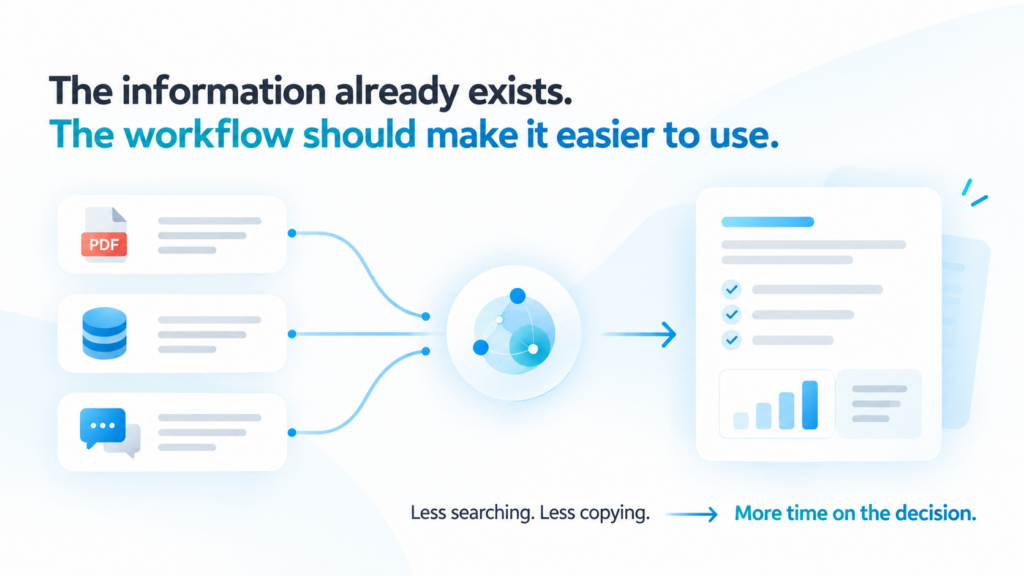
The objective is to shorten the path between information existing and someone being able to use it.
Document Intelligence in Practice
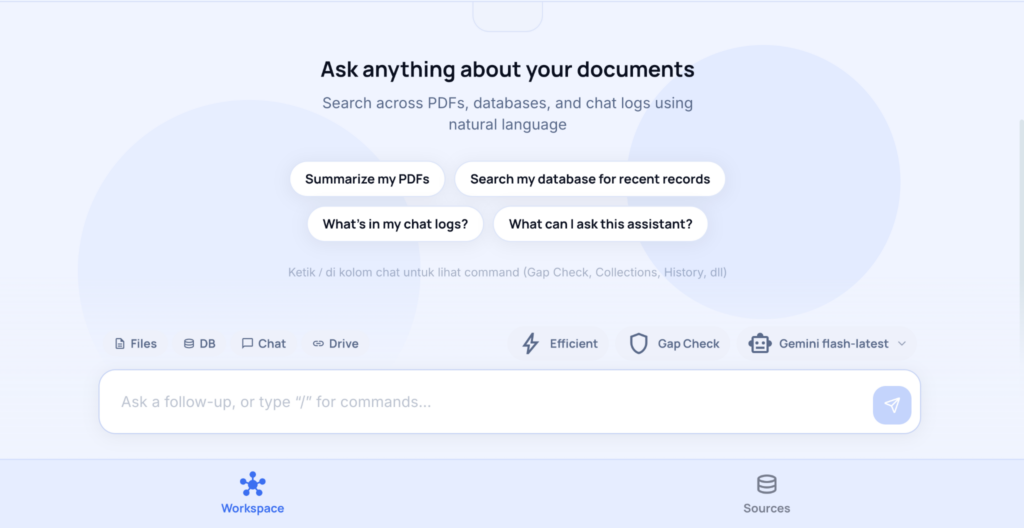
This becomes easier to understand when you look at the actual interface.
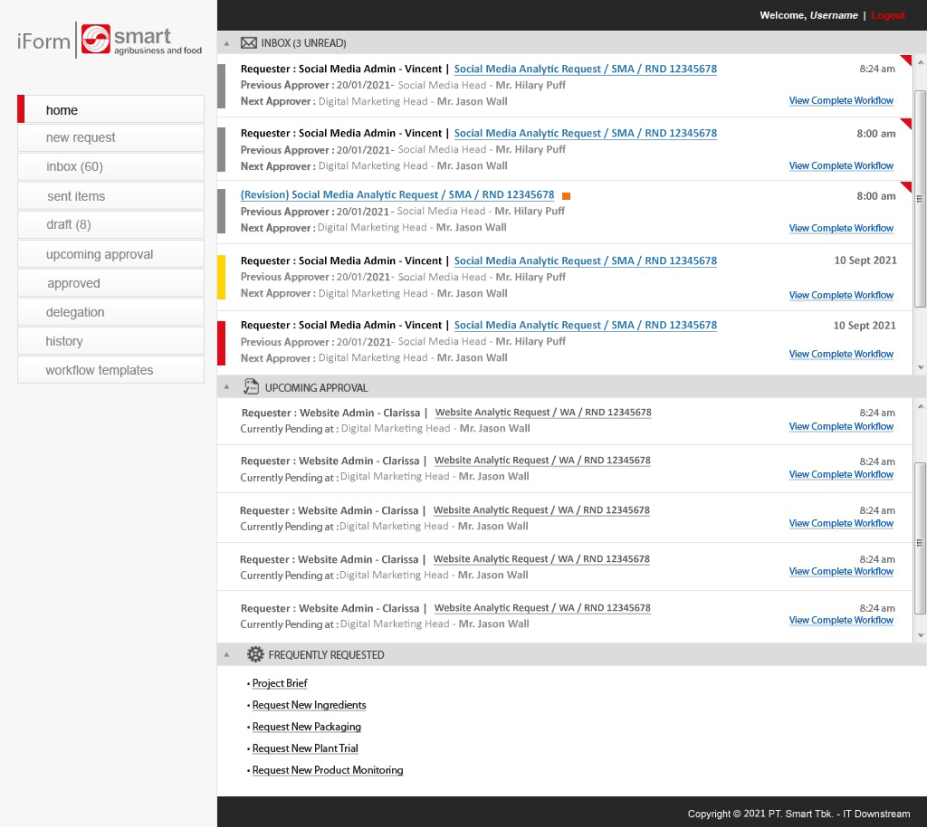
Instead of treating every source separately, the Document Intelligence workspace can work across different types of information.
In the current interface, users can work with Files, Database, Chat, and Drive, then ask questions using natural language.
Examples include:
“Summarize my PDFs”
“Search my database for recent records”
“What’s in my chat logs?”
That changes the job.
The user is no longer starting with:
“Which system should I search first?”
They can start much closer to:
“What do I actually need to know?”
The Value Is Not the Chat Box
The text box is the most visible part of an AI interface.
It is not necessarily the most valuable part.
The value is what the user no longer needs to do before typing into it.
Without a connected workspace, a simple question might mean:
Open shared folder → find the right PDF → check the latest version → search the database → scroll through chat → compare the information → answer the question.
That is not all knowledge work.
A lot of it is retrieval work.
And retrieval work gets worse as the organization grows.
More documents. More systems. More conversations. More places where the “latest information” might live.
So the goal should not simply be:
Help people search faster.
A better goal is:
Give them fewer places to search manually.
An AI Agent Is Only as Useful as Its Sources
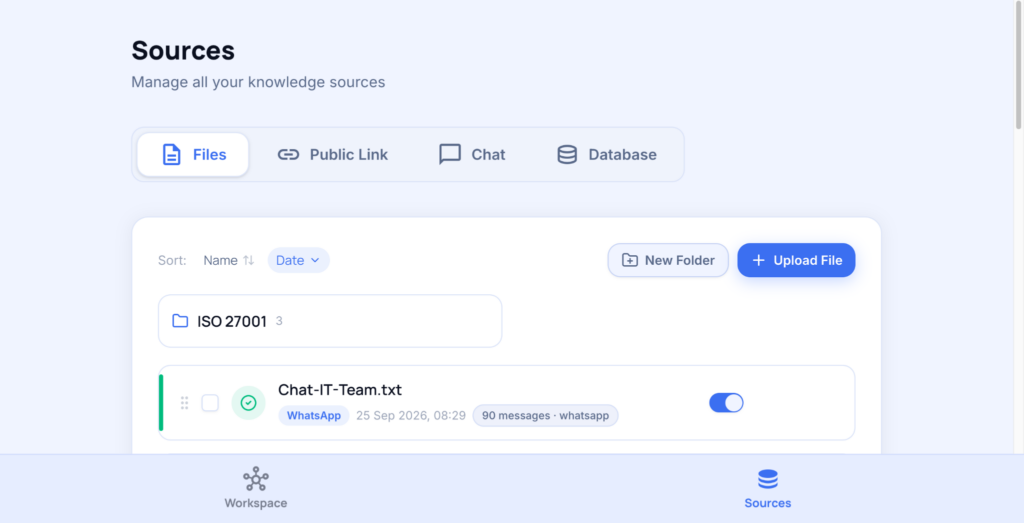
This is why the Sources side of the product matters as much as the workspace itself.
The interface allows different knowledge sources to be managed, including Files, Public Link, Chat, and Database.
That sounds like a technical detail.
It is actually one of the most important parts of an enterprise AI workflow.
A clever prompt cannot compensate for missing context.
If the latest information sits inside a database the agent cannot access, the agent does not know it.
If an important discussion lives outside the connected sources, it sits outside the agent’s working context too.
So instead of starting with:
“Which model should we use?”
A more useful starting point is:
“Which information sources does this workflow depend on?”
That is usually where the real system design begins.
What Should AI Handle and What Should People Handle?
Connecting information does not mean giving the system every decision.
Suppose the agent finds the right record. Someone may still need to decide whether it is current.
Suppose it summarizes a conversation. A person still needs to understand whether that discussion actually resolved the issue.
Suppose it extracts information from an invoice or contract. The unusual case still needs review.
That is where the division of work becomes useful.
AI can handle retrieval and repetitive processing.
People still own context, exceptions, and decisions.
Finding information should not be the hard part.
Deciding what to do with it still can be.
Look for the Repeated Handoff
The best automation opportunities are often easy to recognize once you stop looking for “AI use cases” and start looking for repeated handoffs.
The PDF someone opens every Monday.
The database somebody checks before preparing the same report.
The conversation everyone searches when they forget why a decision was made.
The same information copied from one system to another before anyone can actually use it.
Those are useful signals.
The problem is not that the employee does not know how to do the work.
Quite the opposite.
They have done it so many times that the steps have become predictable.
Predictable work is exactly where automation deserves attention.
The Same Pattern Exists Beyond Documents
The same pattern appears in other workflows.
In finance, for example, teams may spend significant effort reconciling records, preparing reports, and organizing information before analysis can even begin.
Moonlay’s AI Finance capability focuses on reconciliation, reporting, and financial analysis.
Different workflow. Same principle.
Remove repetitive preparation before asking people to apply judgment.
That is also a more useful way to think about AI finance automation.
Not:
“Can AI run finance?”
But:
“Which steps are the finance team repeating before they can actually analyze the numbers?”
Enterprise AI Gets Useful When It Stops Feeling Like a Separate Task
There is a difference between experimenting with AI and actually operating with it.
In an experiment, someone opens an AI tool, uploads something, asks a question, copies the answer, then returns to the real workflow.
AI still sits beside the work.
The more interesting version looks different.
The files are already connected. The database is already part of the source set. Relevant conversations are searchable.
The user begins with the question instead of rebuilding the context first.
That is when an agent becomes part of the operation instead of another application people have to remember to use.
AI earns its place when the workflow gets shorter—not when the technology becomes more visible.
The goal is not to make people use more AI.
It is to remove steps that did not need their attention in the first place.
Where Is Your Team Still Searching for Information by Hand?
Look at the work people repeat.
The file they open every week. The database they keep checking manually. The conversation they have to search again. The report that begins with information copied from several places.
Those are better places to start than trying to add AI everywhere.
Explore Agentic AI solutions with Moonlay.